 293370d5af
* Initialize Project

* Finished library and basic server

* Add API authentication

* Add demo code

* add react project

* Working on webapp

* Fix header

* Add navbar

* Add Users, Batch Frontend API Requests

* Add data retrieval API call

* Dashboard is basically done

* Done

* Fix install issues

* Update readme

* Update Readme

* Update README.md

* Remove rounding

* Rename to Jetfuel, Add volume mount

* New version

* Release

* Update README.md

* Fix README

* Update icons & readme
2.3 KiB

Python Performance Profiling for Production
~ It's About Time ~
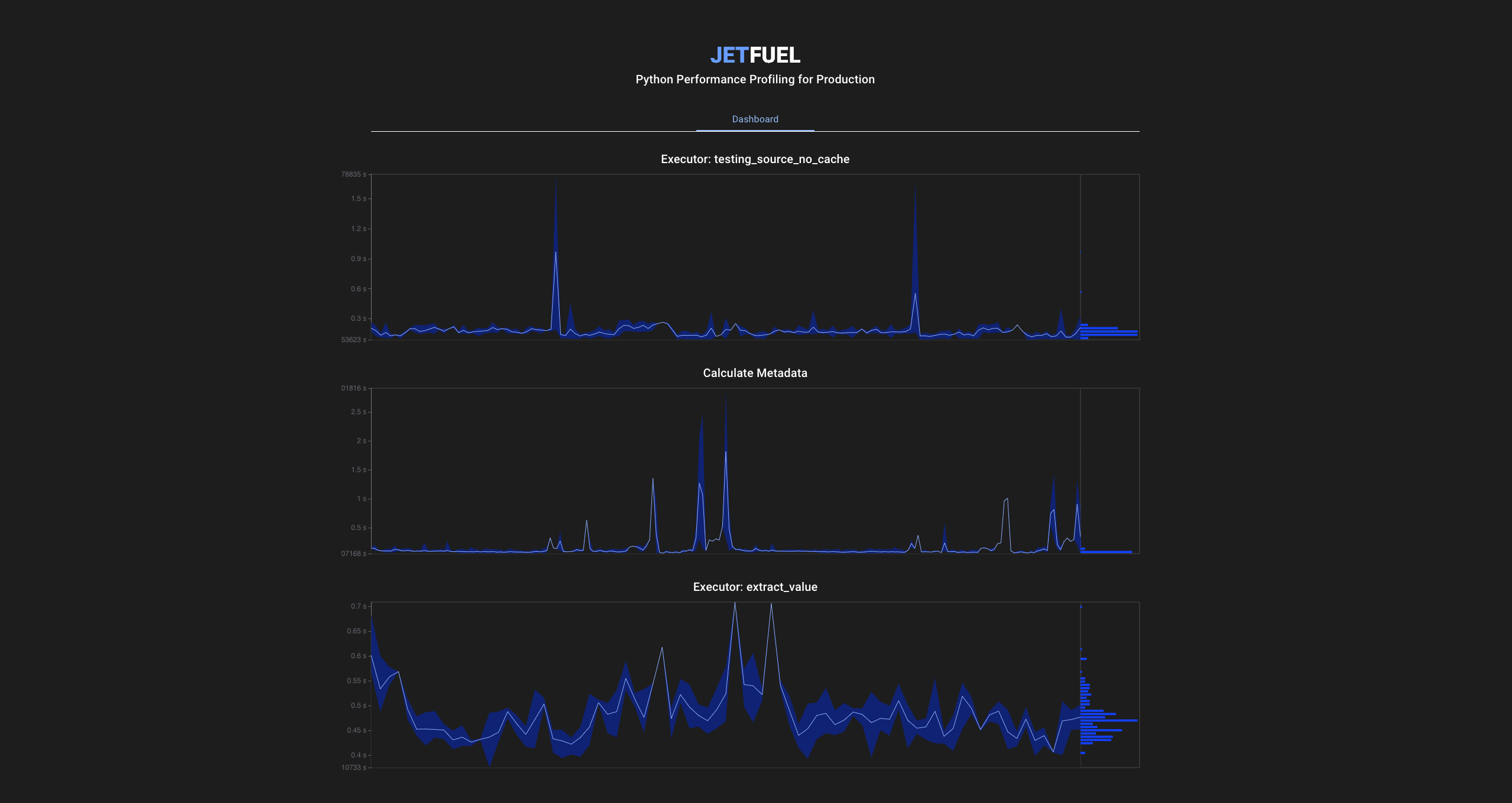
Jetfuel is a performance profiler that can monitor the performance of your production Python, and makes results easy to aggregate and search through.
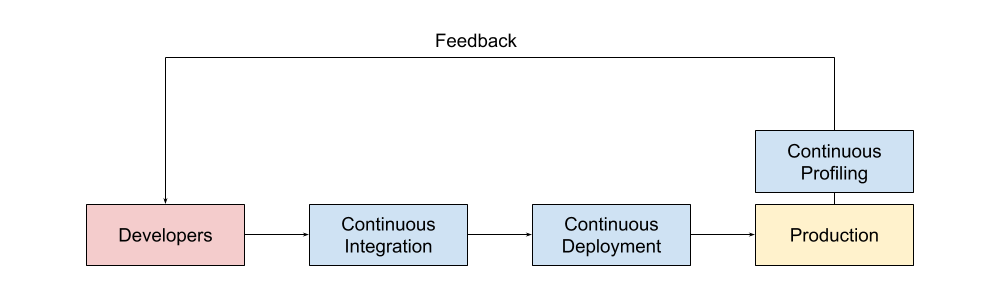
Jetfuel is designed for Purposeful Profiling. This means that you only use Jetfuel around code of interest, instead of dumping all code performance logs and mining it later.
Useful for Profiling:
- 🌎 API performance
- 🚀 CI/CD stage / granular performance
- 💡 ML training & inference jobs
- 📀 Database queries
- 📊 Data pipelines / compute jobs
Bad performance has real world consequences, and is often a result of lack of visibility, even if you are logging it, if it's not be easy to get to, it will be ignored.
What gets measured gets managed!
How does it work?
Jetfuel is very simple. The client simply times sections of your code, and batches / aggregates them before committing to the Jetfuel server. Updates are aggregated based on a configurable resolution (default 5s). This batching / aggregating behavior allows us to time ms/ns code without introducing much overhead.
Installation
pip install jetfuel
docker run -it -p 9000:9000 -v ${PWD}/data:/bin/jetfuel/data jetfuel/jetfuel
Demo
import jetfuel

jetfuel.init(url="http://localhost:9000")

jetfuel.demo()
Usage
-
Start / Stop
p = jetfuel.start("Foobar") pass p.stop() -
Profiler
with jetfuel.Profiler("Foobar"): pass -
Function Decorator
@jetfuel.profiler("Foobar")
def ml_training():
    pass