mirror of
https://github.com/trycua/lume.git
synced 2025-12-31 17:39:55 -06:00



cua-computer is a Computer-Use Interface (CUI) framework powering Cua for interacting with local macOS and Linux sandboxes, PyAutoGUI-compatible, and pluggable with any AI agent systems (Cua, Langchain, CrewAI, AutoGen). Computer relies on Lume for creating and managing sandbox environments.
Get started with Computer
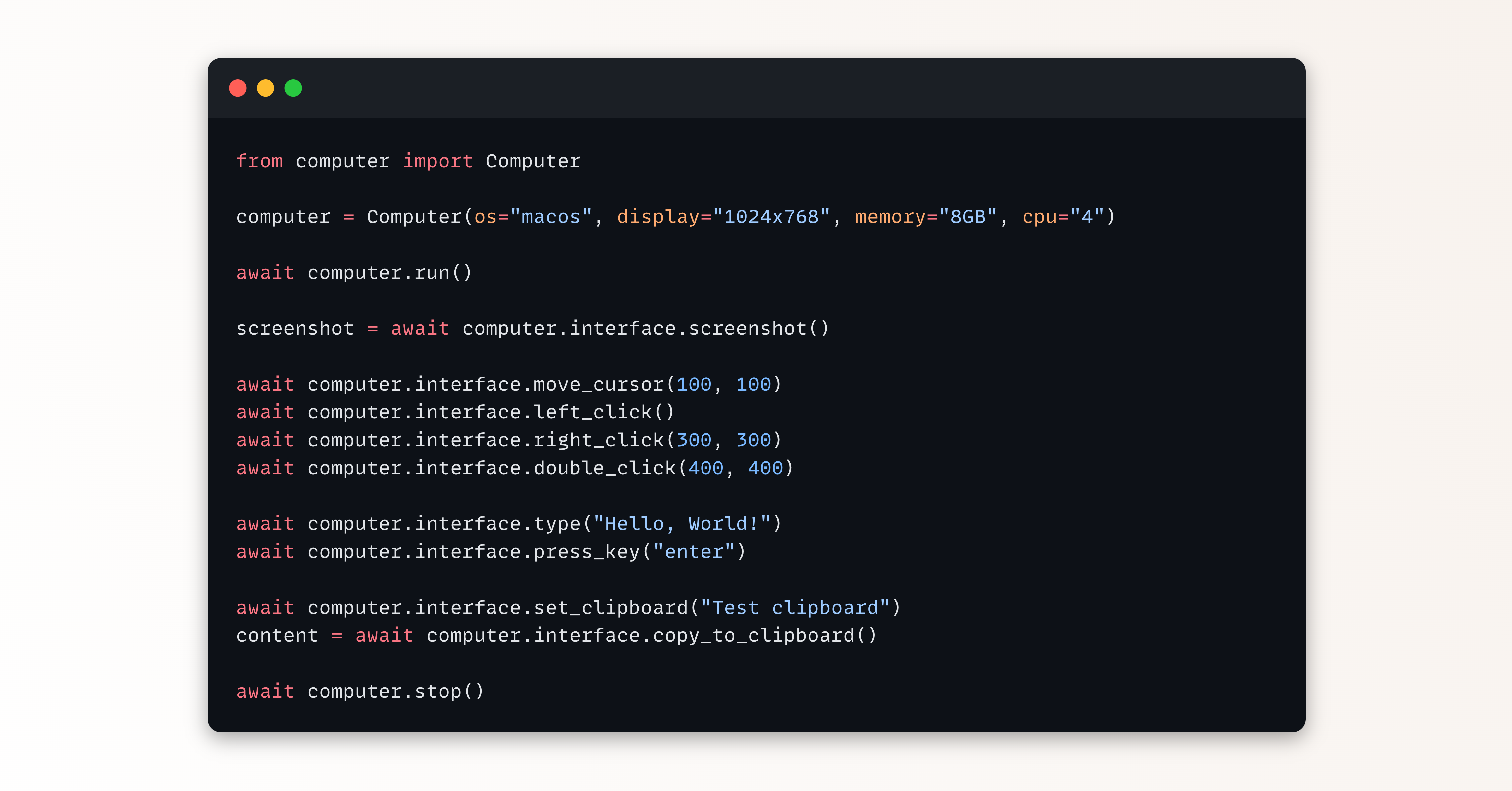
from computer import Computer

computer = Computer(os_type="macos", display="1024x768", memory="8GB", cpu="4")
try:
    await computer.run()

    screenshot = await computer.interface.screenshot()
    with open("screenshot.png", "wb") as f:
        f.write(screenshot)

    await computer.interface.move_cursor(100, 100)
    await computer.interface.left_click()
    await computer.interface.right_click(300, 300)
    await computer.interface.double_click(400, 400)

    await computer.interface.type_text("Hello, World!")
    await computer.interface.press_key("enter")

    await computer.interface.set_clipboard("Test clipboard")
    content = await computer.interface.copy_to_clipboard()
    print(f"Clipboard content: {content}")
finally:
    await computer.stop()
Install
To install the Computer-Use Interface (CUI):
pip install "cua-computer[all]"
The cua-computer PyPi package pulls automatically the latest executable version of Lume through pylume.
Run
Refer to this notebook for a step-by-step guide on how to use the Computer-Use Interface (CUI):