mirror of
https://github.com/bugsink/bugsink.git
synced 2026-05-25 01:48:37 -05:00
 Klaas van Schelven
b4c9e735b9
Klaas van Schelven
b4c9e735b9
tag '1' is not likewise corrected (yet); assumed to be basically unused
Bugsink: Self-hosted Error Tracking
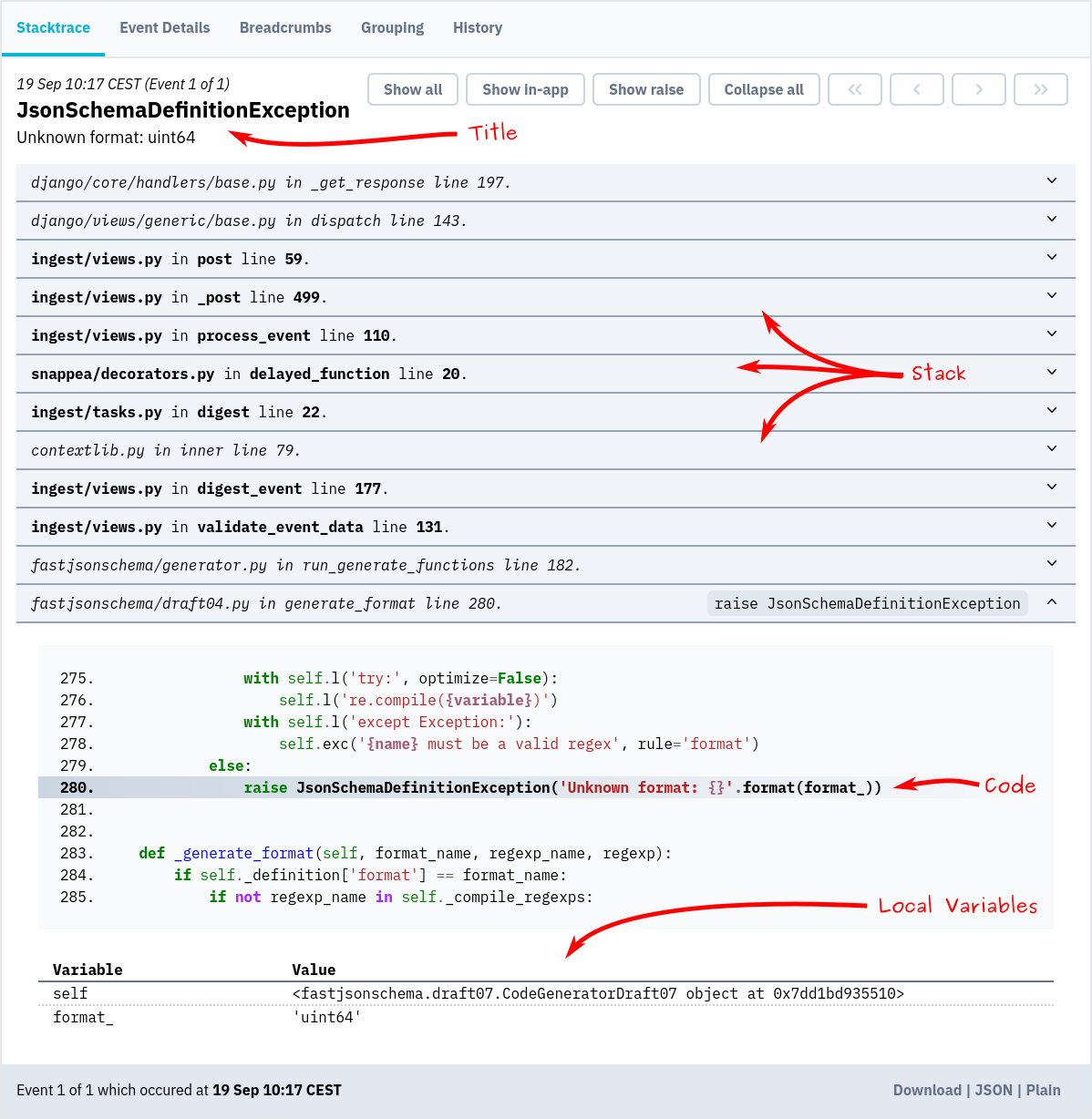
Screenshot
Installation & docs
The quickest way to evaluate Bugsink is to spin up a throw-away instance using Docker:
docker pull bugsink/bugsink:latest

docker run \
  -e SECRET_KEY=PUT_AN_ACTUAL_RANDOM_SECRET_HERE_OF_AT_LEAST_50_CHARS \
  -e CREATE_SUPERUSER=admin:admin \
  -e PORT=8000 \
  -p 8000:8000 \
  bugsink/bugsink
Visit http://localhost:8000/, where you'll see a login screen. The default username and password
are admin.
Now, you can set up your first project and start tracking errors.
Detailed installation instructions are on the Bugsink website.